

|
What is Archiva and how do I install it?
Author: Deron Eriksson
Description: This tutorial describes Archiva and how to install it.
Tutorial created using:
Windows Vista || JDK 1.6.0_04
(Continued from page 1) The standalone ArchivaS runs in Jetty, which we configured to run on port 8081. I hit Jetty at http://localhost:8081. I clicked on the link to /archiva. 
This brought up the "Create Admin User" screen in Archiva. I entered some admin information and clicked Create Admin. 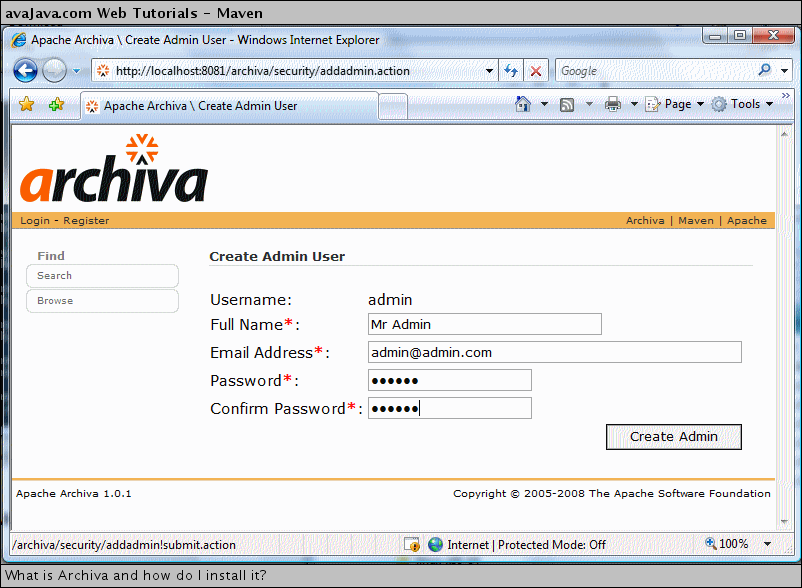
Next, I logged in on the Login screen with the admin information that I just entered. 
I successfully logged into Archiva. 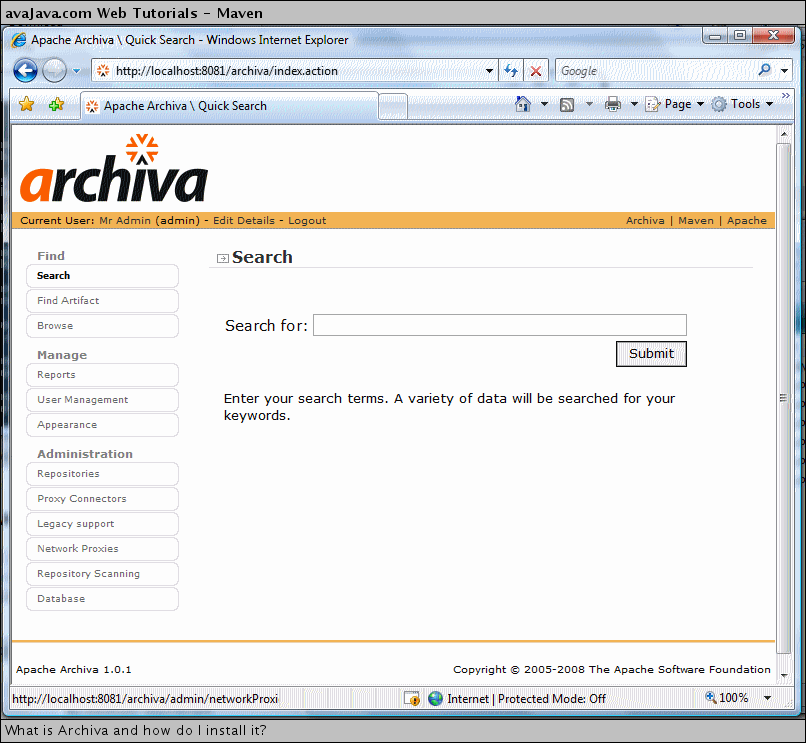
Related Tutorials:
|